Export blog as PDF doesn't work
Posted: Wed May 21, 2008 5:17 pm
My Blog: http://linux-blog.org
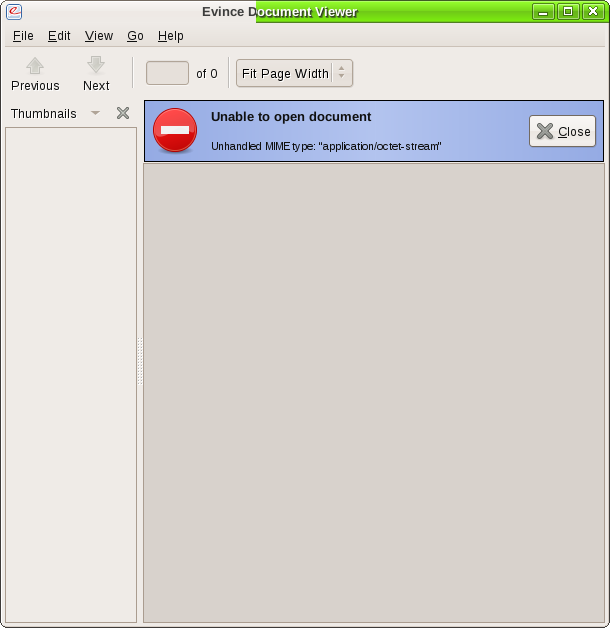
I've installed the plugin and the links are present at the end of each entry...but the result in various errors when trying to view the pdf...mainly having to do with Unhandled MIME types. I've seen both text/plain and application/octet-stream errors. Screenshot provided below:
Not sure what the problem is, but no matter what combination I use on the plugin settings page, nothing works.
Any help is appreciated.
One point of contention also...when a person attempts to download the entry...it names the entry doc.pdf. Couldn't this behavior change to use the entry # or first 7-9 letters of the entry? Seems silly to have it be doc for each download.
I've installed the plugin and the links are present at the end of each entry...but the result in various errors when trying to view the pdf...mainly having to do with Unhandled MIME types. I've seen both text/plain and application/octet-stream errors. Screenshot provided below:
Not sure what the problem is, but no matter what combination I use on the plugin settings page, nothing works.
Any help is appreciated.
One point of contention also...when a person attempts to download the entry...it names the entry doc.pdf. Couldn't this behavior change to use the entry # or first 7-9 letters of the entry? Seems silly to have it be doc for each download.